Mobile-First Scheduling: Why Staff Adoption Matters
Like many healthcare administrators, you may have invested in mobile-first scheduling to simplify workforce management. The software promised real-time visibility, faster shift fills and happier staff.
However, technology only delivers value when your employees use it. A mobile scheduling app that sits uninstalled or ignored becomes a wasted investment. High staff adoption is a determining factor in whether your scheduling solution pays off. This guide offers actionable strategies to ensure your mobile-first scheduling investment delivers returns.
The Benefits of Staff Adoption
There has been a major shift toward employee productivity, with mobile-first tools at the center. In fact, the global workforce management market is projected to grow from around $13 billion to over $34 billion by 2034. Organizations are investing heavily in these solutions — but return on investment only comes when your staff leverages the platform.
In healthcare, the majority of your workforce is deskless. As such, real-time tools are a necessity. When your team embraces mobile shift management in long-term care (LTC) facilities, the benefits are immediately apparent:
Reduce Administrative Work and Costly Errors
Consider how your schedulers currently handle shift changes. Without mobile adoption, you're still fielding phone calls at all hours, balancing text messages and manually updating spreadsheets. Each interaction takes time, and each manual entry creates an opportunity for error.
An automated nurse scheduling mobile app minimizes these risks. Employees can view their schedules instantly, request shift swaps and receive notifications about changes. Rather than coordinating phone calls, managers can approve requests with a quick tap.
This mobile-first approach can significantly reduce scheduling time. It also eliminates the manual errors that lead to overstaffing, coverage gaps and compliance issues.
Boost Staff Morale, Flexibility and Retention
Employees appreciate more control over their work-life balance, and mobile-first scheduling for senior care and skilled nursing delivers exactly that. Your staff can check their schedule from anywhere, request time off without tracking down a manager or pick up extra shifts that fit their needs.
Workers who feel they have a voice in their scheduling are more likely to stay with your organization. In one study, nurses rated a mobile scheduling application an average of 8 out of 10. Participants found that the application:
-
Was user-friendly.
-
Worked faster than manual work schedules.
-
Facilitated more objective, fair scheduling.
-
Considered nurse preferences.
The connection between engagement, productivity and retention is well-documented. Mobile tools improve employee productivity by giving them more control. In a competitive labor market, offering this level of flexibility makes your facility a more attractive place to work.
Gain Real-Time Scheduling Agility
In healthcare, last-minute call-outs are inevitable. The question is how quickly you can respond. When adoption rates are high, filling an open shift takes minutes rather than hours. Employees can send a notification through the platform, and staff who want the shift respond immediately.
Effective scheduling systems for handling call-outs keep your facility properly staffed without resorting to expensive agency workers or mandatory overtime.
Reasons Your Staff Might Resist a New Scheduling App
Resistance to new technology is common, and negative reactions to technology adoption generally arise from uncertainty, fatigue and higher workload expectations — especially when the change is fast and widespread.
Understanding why staff hesitate can help you address concerns early on. The following objections often come up during implementation:
-
Privacy concerns: Some employees worry that apps function as surveillance software, monitoring their location or activity. This fear can prevent downloads if not addressed directly during rollout communication.
-
Resistance to change: Familiar processes often feel safe, even when they're inefficient. Staff who've spent years checking the schedule in the break room or calling for schedule changes may see no reason to learn something new.
-
Not understanding the benefits: If your team sees the app as a tool that benefits only management, adoption will suffer. Thus, it's essential to communicate employee-centric advantages.
Your 4-Step Strategy for Driving Mobile-First Adoption
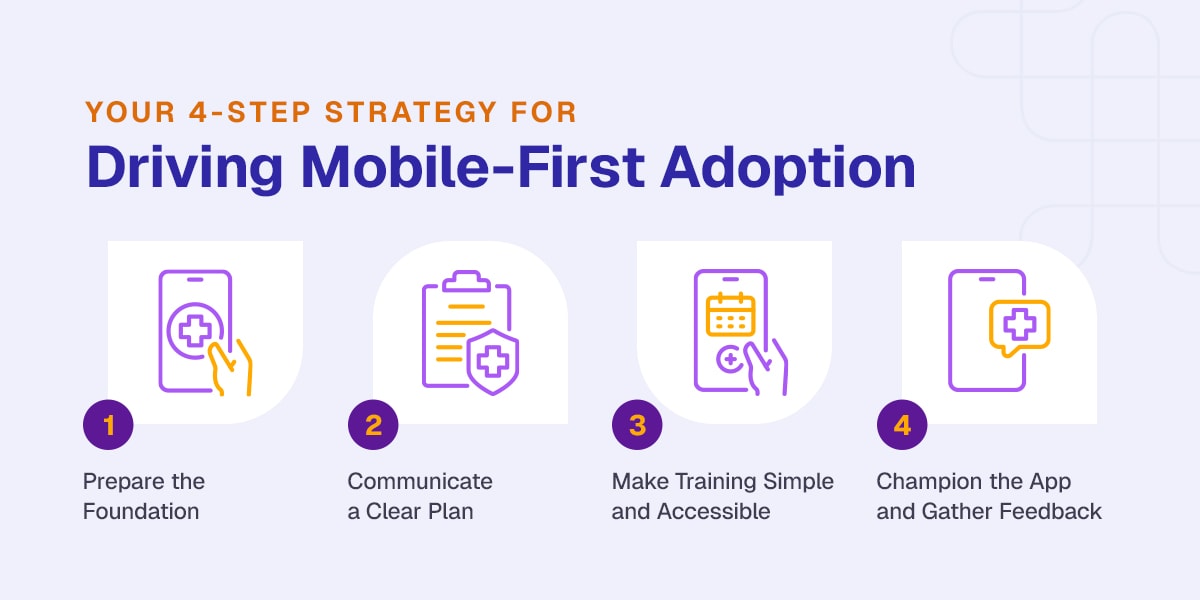
Staff adoption comes with a clear implementation plan. The following steps address the factors that drive mobile scheduling usage:
1. Prepare the Foundation
Success begins before your staff learns about the new system. First, secure visible buy-in from leadership. When administrators and managers use the platform themselves, it signifies importance.
Create all employee user accounts in advance so employees can download and log in immediately. This way, they won't have to wait for credentials.
Most importantly, make the mobile platform a single, unified scheduling source. If you continue posting paper schedules or sending text updates outside the app, you've permitted employees to ignore them. Commit fully to the new system, and communicate that commitment clearly.
2. Communicate a Clear Plan
Frame your announcement around employee benefits, not just operational efficiency. Your staff likely won't care that the app saves management time. Rather, they appreciate that it lets them trade shifts without multiple phone calls, view their schedule anytime or request time off when they remember.
Research confirms that nurse scheduling apps offer numerous benefits over manual scheduling. Emphasize the ones your employees will experience directly, whether that's easier shift swapping, better schedule visibility, faster request responses or the convenience of mobile work management.
3. Make Training Simple and Accessible
Complex training sessions can create barriers to understanding. Instead, hold brief download sessions during shift huddles. This way, staff can install the app with support available.
Post simple, visual one-page guides in break rooms. These should highlight the three most common tasks — viewing schedules, requesting swaps and requesting time off.
Consider identifying tech-savvy employees willing to offer support. When employees can ask a co-worker for help rather than calling IT, they're more likely to push through small frustrations and build the habit of using the platform.
4. Champion the App and Gather Feedback
After launch, empower users to demonstrate features, answer questions and share their positive experiences. This peer-to-peer influence often makes more headway than official management communications.
Provide a simple feedback channel where employees can report issues or suggest improvements. When staff members see that their input drives change, they become more invested in the platform's success.
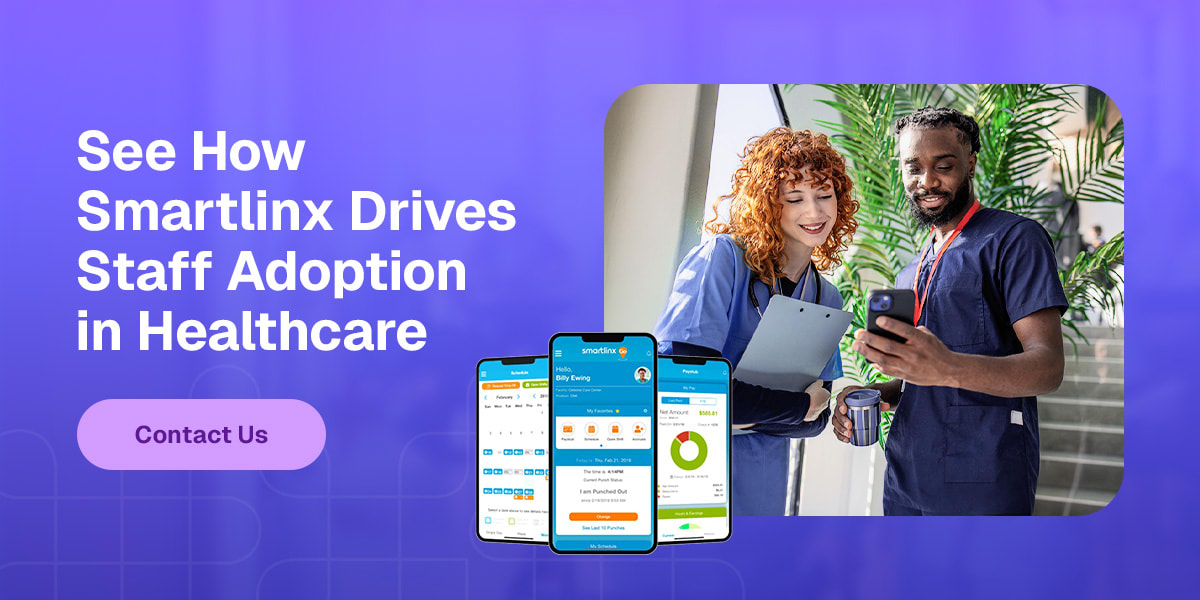
See How Smartlinx Drives Staff Adoption in Healthcare
Staff adoption is the bridge between investing in mobile-first scheduling and seeing real results. When you choose the right partner, you get a solution designed with the end user in mind from day one.
Smartlinx builds workforce management solutions purpose-built for care facilities. Our mobile scheduling platform is intuitive, accessible and designed to encourage natural adoption. We understand the unique challenges of managing deskless healthcare teams, and we've helped thousands of organizations transform their scheduling operations.
Ready to see how Smartlinx can drive staff adoption at your facility? Contact us to schedule a demo and discover the difference purpose-built technology makes.